Day 6 – FastAPI + llama.cpp Integration
Posted on Sat 18 April 2026 in GenAI
Introduction
Day 6 of my GenAI Learning Challenge.
Today, I integrated a local LLM with FastAPI to build a usable AI backend. Instead of running the model separately, user input is sent through an API and processed by llama.cpp.
This is a key step toward building real AI applications.
1. Workflow
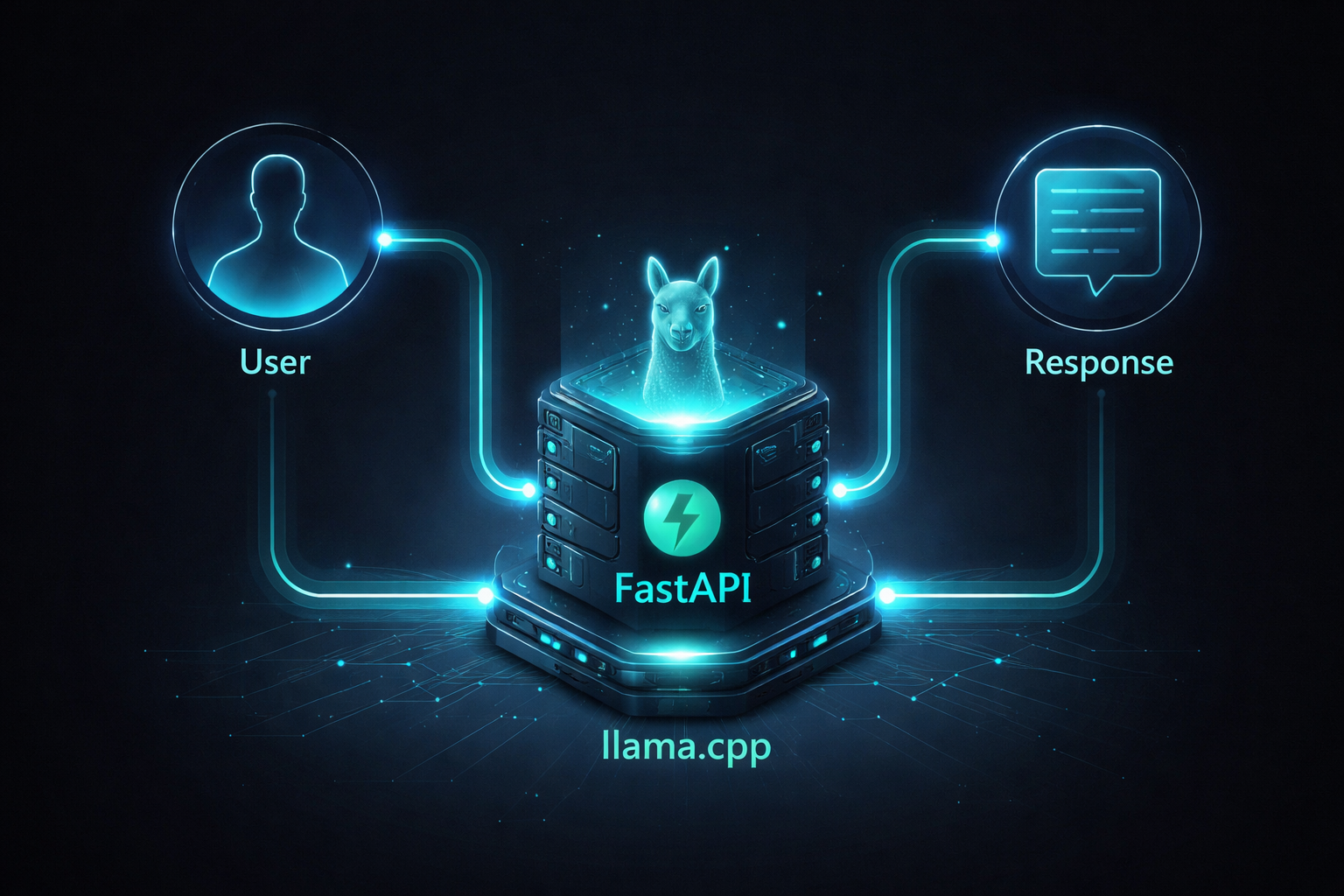
User → FastAPI → llama.cpp → Response
- API receives input
- Model generates output
- Response is returned
2. FastAPI Setup
from fastapi import FastAPI

app = FastAPI()

@app.get("/")
def home():
    return {"message": "API running"}
FastAPI acts as the interface between the user and the model, handling incoming requests and returning responses.
llama.cpp Integration
from llama_cpp import Llama

llm = Llama(
    model_path="models/model.gguf",
    n_ctx=2048,
    n_threads=4
)
Input Schema
from pydantic import BaseModel

class PromptRequest(BaseModel):
    prompt: str
    max_tokens: int = 100
    temperature: float = 0.7
Generate Endpoint
@app.post("/generate")
def generate(req: PromptRequest):
    output = llm(
        req.prompt,
        max_tokens=req.max_tokens,
        temperature=req.temperature
    )

    return {"response": output["choices"][0]["text"]}
Controlling Output
{
  "prompt": "Explain AI",
  "max_tokens": 80,
  "temperature": 0.7
}
The response can be controlled using parameters like temperature for creativity and max_tokens for response length.
Testing
Swagger UI:
http://localhost:8000/docs#/
curl -X POST "http://127.0.0.1:8000/generate" \
-H "Content-Type: application/json" \
-d "{\"prompt\":\"Tell me a joke\"}"
The API can be tested using Swagger or curl to ensure the model and backend are working together correctly.
Execution Flow
The system works by receiving user input through FastAPI, validating it, sending it to the model, generating a response, and returning it as JSON.
Execution Flow
Final thoughts
I successfully built a working AI API by integrating FastAPI with llama.cpp. This helped me understand how AI models are served as backend systems and how their outputs can be controlled. This forms the foundation for building real-world AI applications.